The camera captures your movement
Your expressions, head position, pose, and movement guide the preview.

Experience realtime AI face swap online with a reference photo and your webcam.
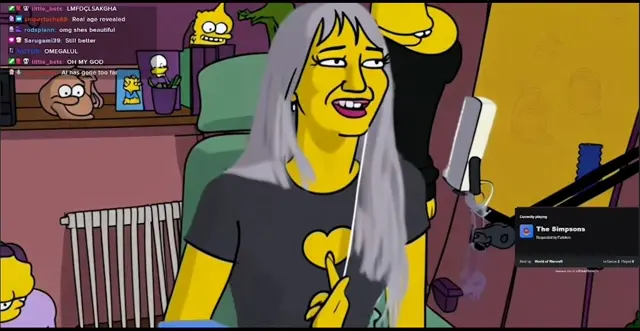
Pick a face, start, then preview the live output in your browser.
Local webcam preview
AI Model
88 seconds of live preview free.
Start with a replacement face, run the live swap, then compare the AI output with your original camera feed.
Upload the person photo you want to swap in, or pick one of the preset portraits.
Start the realtime session and let Vivify replace the person in your live camera feed.
Use the preview area to see the swapped result next to the original camera view.
Watch live-camera style examples that show character replacement while motion, framing, and expressions stay readable.

See how outfit references apply to a live person feed for creator, shopping, and styling workflows.
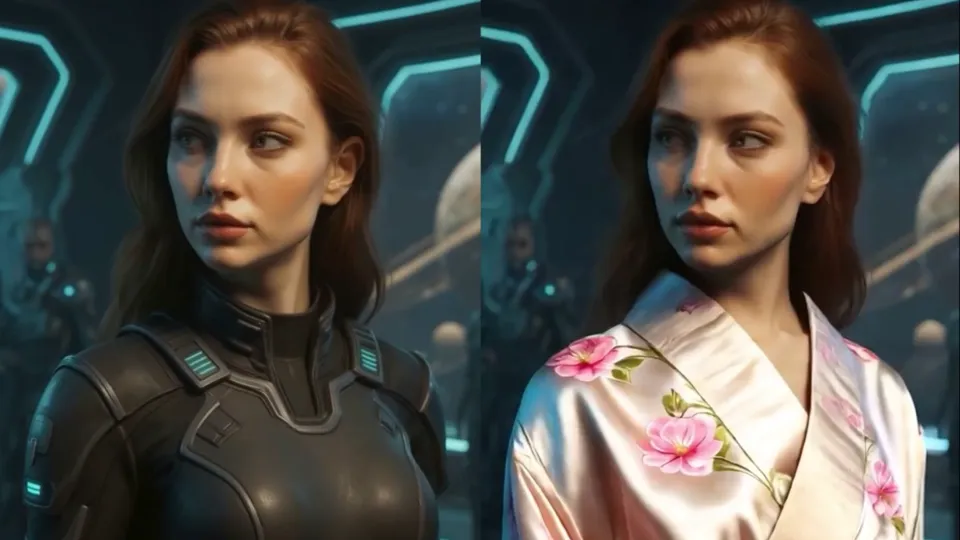
See how style references transform a live person feed into character, streamer, or branded looks.

AI combines your movement with the look from a reference image.
Your expressions, head position, pose, and movement guide the preview.
It tells AI which face, outfit, or visual style to use.
Rather than placing an image on top, AI keeps recreating your camera view with the selected look as you move.
Use live face swap as a virtual camera in the streaming, meeting, and recording apps you already use.

Windows 10/11 · 64-bit
Apple Silicon · macOS 13 or later
Use live face swap in streaming, meetings, recording, and other virtual-camera workflows.

Vivify Live Client transforms the source camera and exposes the result as a virtual camera for OBS to broadcast.
Streaming destinations

Vivify Live Client transforms the source camera and sends its virtual camera output directly into your meeting app.
Meeting apps
Quick answers about models, credits, privacy, and desktop use.
Use a short session first, then stop when you have seen enough of the realtime effect.